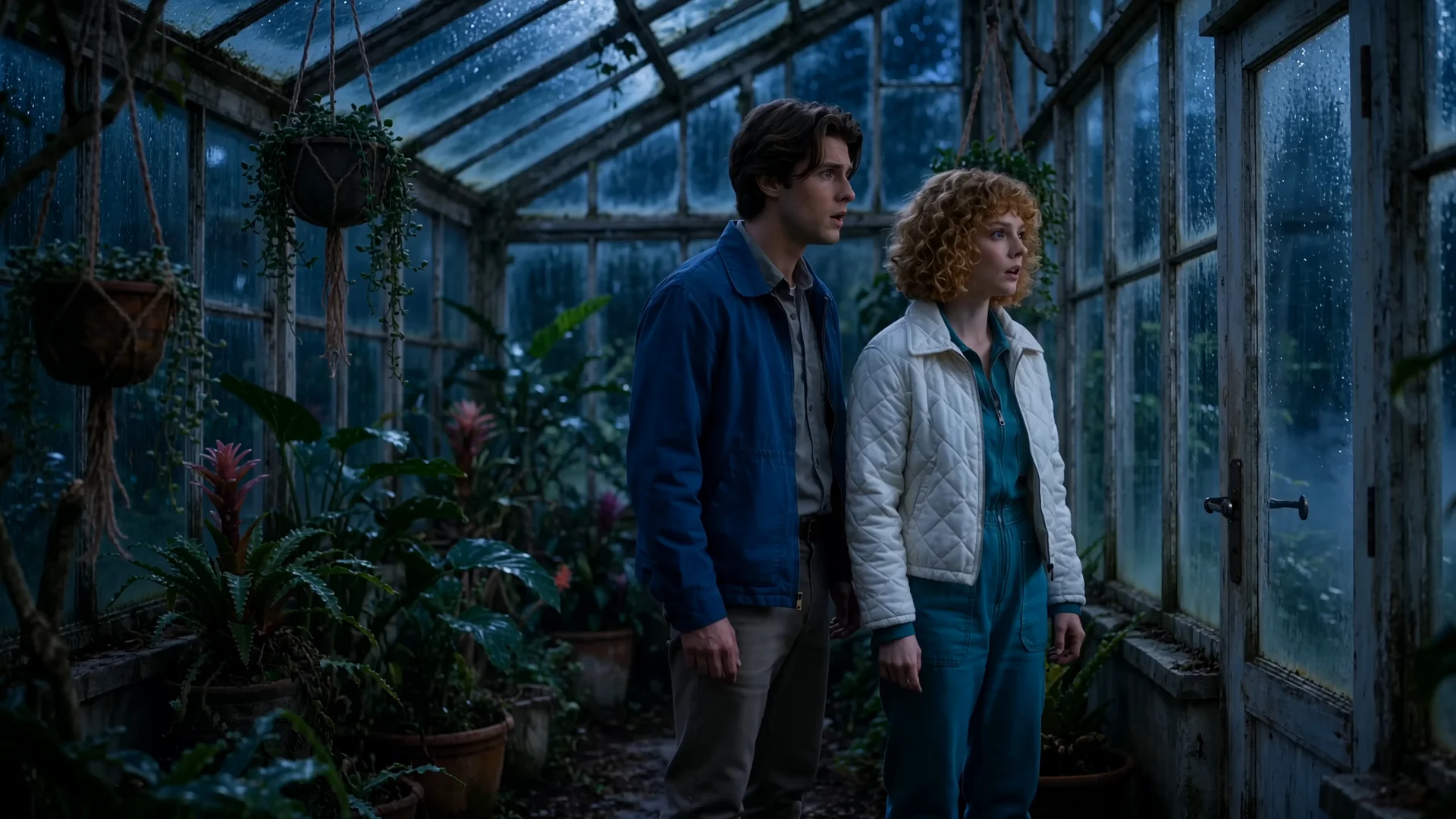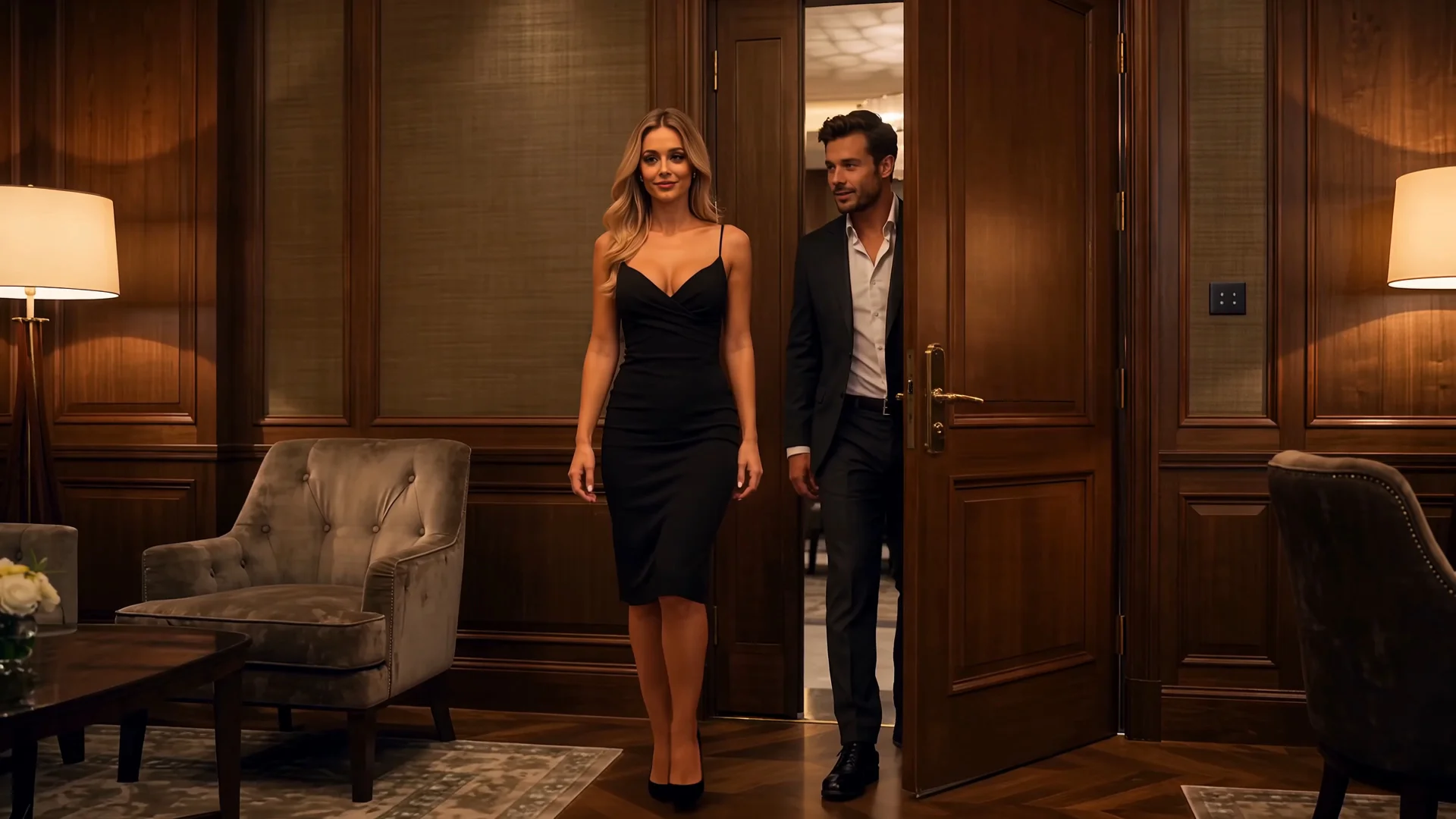
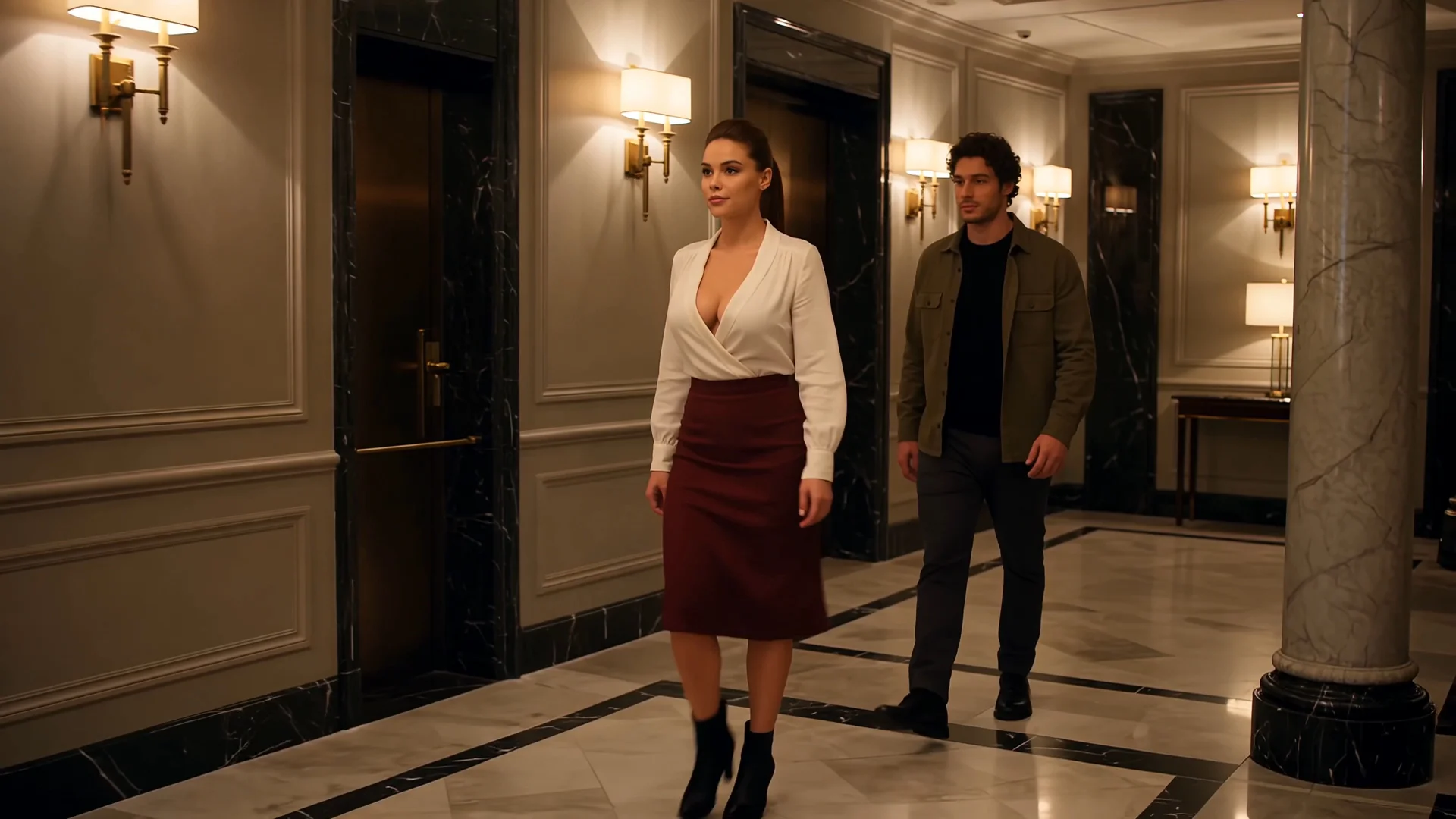
Slow-Burn Continuation
Let expressions, body movement and camera distance develop gradually before the interaction changes.
Use the Seedance video extender to continue a complete source video or create the next scene from its final frame. Describe what happens after the current ending, then develop connected shots, evolving character interactions and a longer NSFW story.
Whether the clip ends with a look, a touch, an entrance or an interruption, the scene does not have to stop there. Use Seedance video continuation to move the same 18+ characters, atmosphere and story into what happens next.
Best for: Longer story development · Connected shots · Multi-character interaction · Repeated extensions
Already have only an image? Generate the opening scene first, then return to extend the result.
Seedance gives an established scene more room to develop. Carry the same 18+ characters into a new space, change the relationship between them, introduce someone new or move the story toward another reveal.
Instead of generating an unrelated clip, extend a video with Seedance and explore where its existing characters and atmosphere can go next.
Let expressions, body movement and camera distance develop gradually before the interaction changes.
Continue an established roleplay setting while introducing a new reaction, relationship shift or reveal.
Add another fictional 18+ character while keeping the original identities, positions and interaction understandable.
Continue an anime, fantasy or illustrated NSFW scene without abandoning its recognizable visual world.
One ending can open more than one direction.
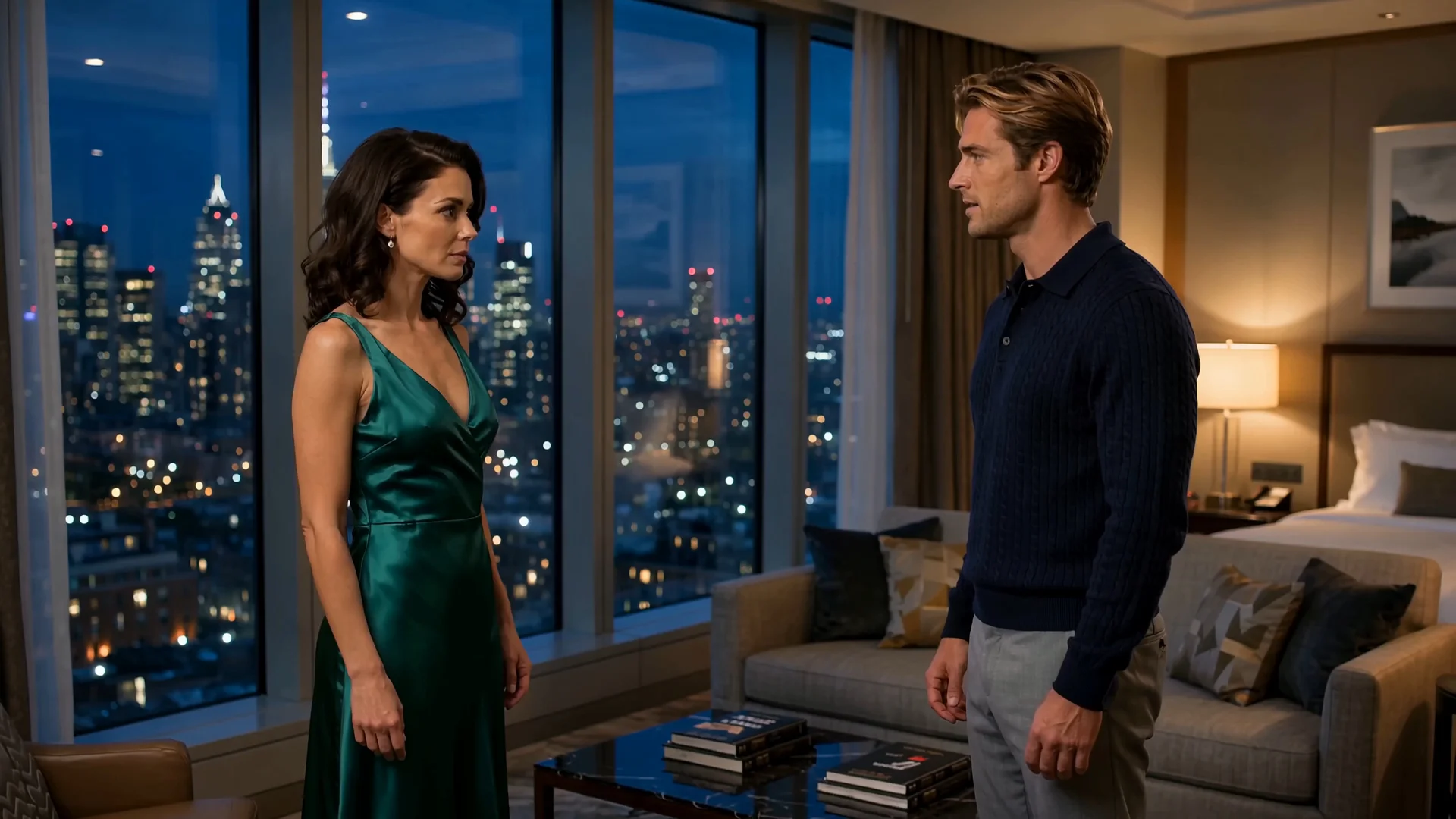 R03
R03Use Seedance when several parts of the scene need to change together.
Let one character cross the space while another reacts. Bring a new fictional 18+ character into the interaction. Move from an intimate close-up to a wider reveal. Carry the same performance into another connected setting.
A useful Seedance video extension keeps the viewer inside the same story while allowing the scene to become more developed:
Continue the performance without resetting the story.
The source clip establishes the characters and atmosphere. Your continuation prompt decides why the viewer keeps watching.
Try This DirectionSlow the pacing, move the characters closer and let expressions or smaller reactions develop before the scene changes.
Try This DirectionChange who leads the interaction, introduce a different response or take the roleplay in a new direction.
Try This DirectionAdd another 18+ character and develop a new relationship without abandoning the original scene.
Try This DirectionContinue toward an interruption, reveal or reversal that gives the video another natural extension point.
Try This Direction R08
R08Create several continuations from the same ending and compare where each direction takes the scene. One version can deepen the current interaction, another can introduce a new character, while a third can turn the same ending into a mature short-drama hook.
Use the Seedance AI video extender for:
Whether you want to continue a video from the last frame, extend an AI-generated video or create another direction from the same source clip, the original ending does not have to become the only story.
Upload a complete video or its final frame. Describe the next action, interaction or story change, then let Video-Extender.ai continue the scene beyond its current ending.
Extend Video With SeedanceYes. Seedance supports video extension and continuation from an existing clip. Upload a video, describe what should happen next and generate a new segment that follows its ending.
Add a complete source video or its final frame to the generator, describe the next visible action and select Seedance. Use the complete video when previous movement and timing matter; use the final frame when you want to begin from one selected visual moment.
Yes. On Video-Extender.ai, a selected final frame can be used as the visual starting point for a new continuation. A complete source video provides more motion and timing context, while a final frame gives you more control over the exact starting image.
You can upload a supported source video that you own or are authorized to use. Available formats, file sizes and duration limits should be shown directly inside the generator.
Yes. Review the new ending, use the generated result as the next source and describe the following development. Repeated AI video extension can turn several approved segments into a longer story.
Seedance is especially relevant when the next scene requires connected shots, changing camera language, longer story development or interaction between several 18+ characters. It is better positioned for developing the scene than merely repeating its final movement.
Video-Extender.ai is designed for NSFW creation involving or consenting 18+ subjects. All source material and generated content must follow the site’s content policy and applicable law.