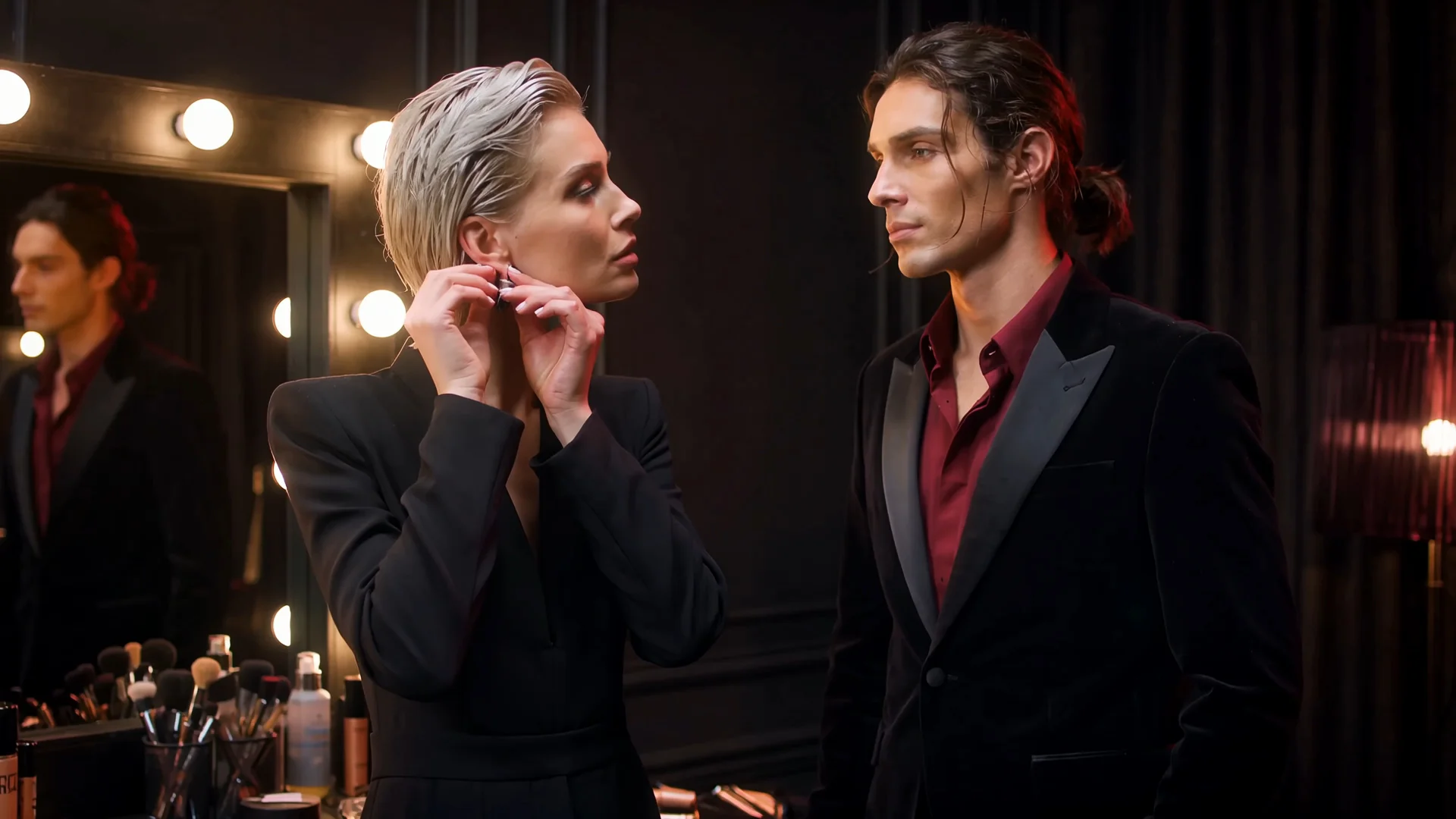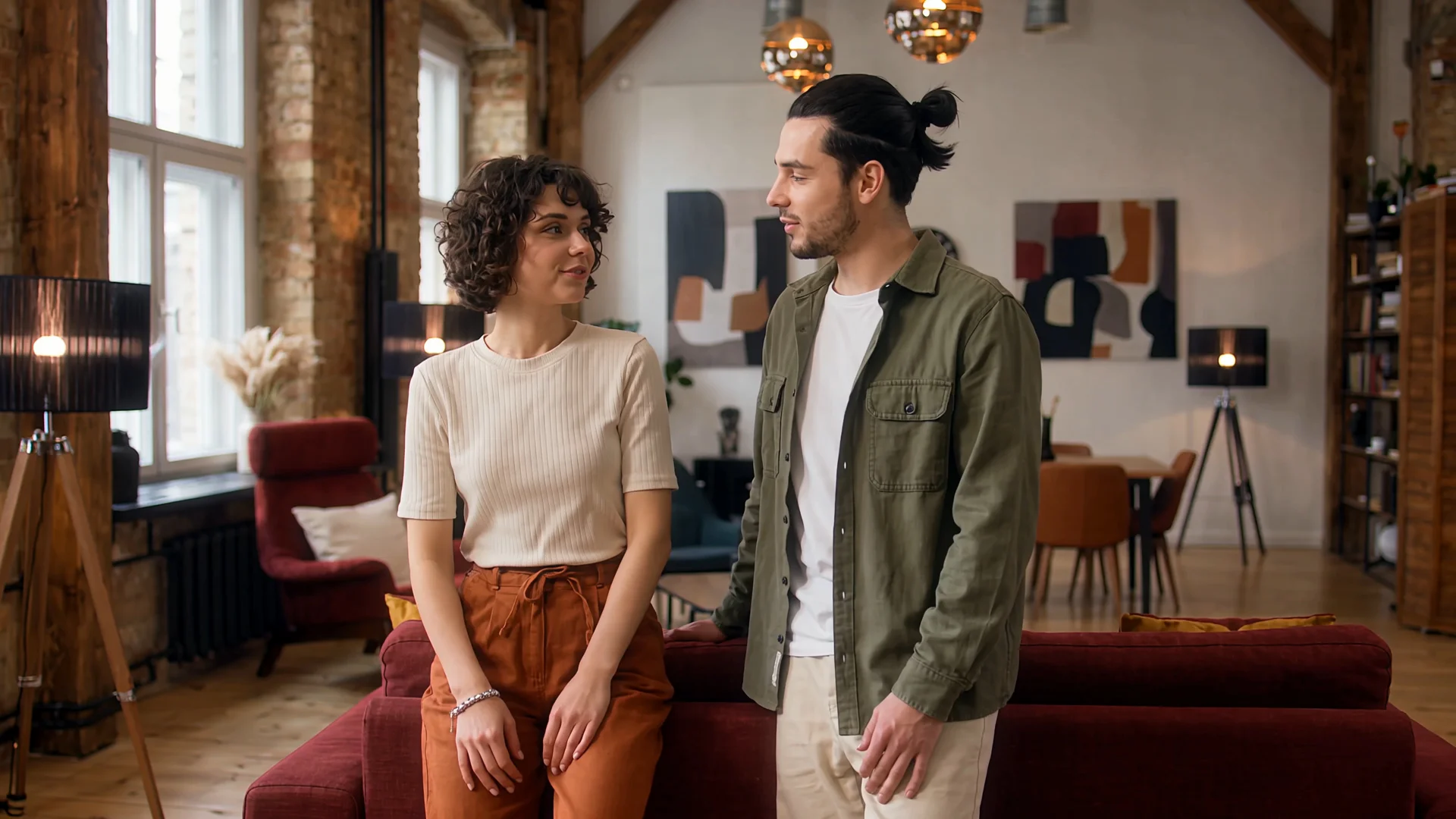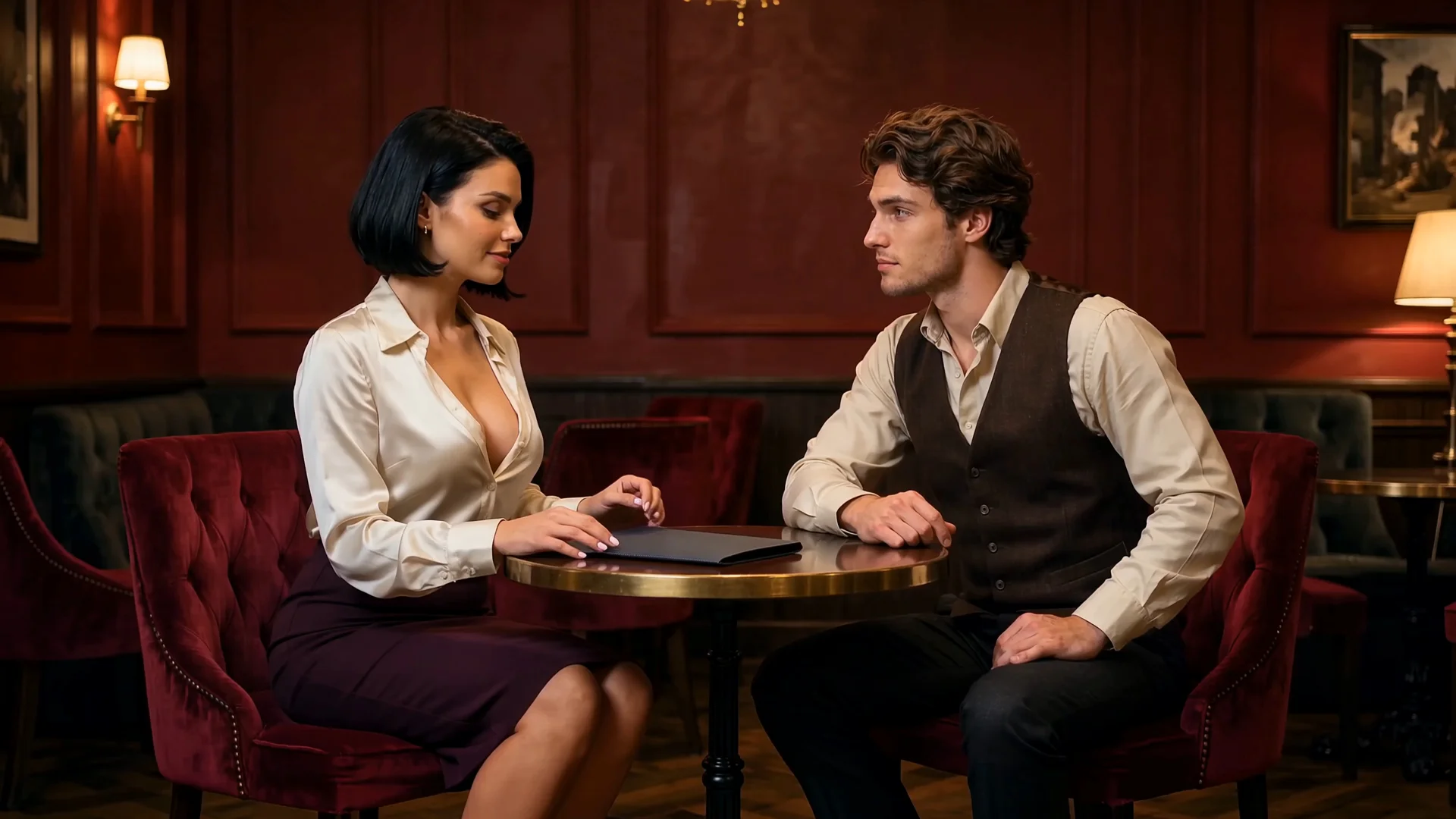
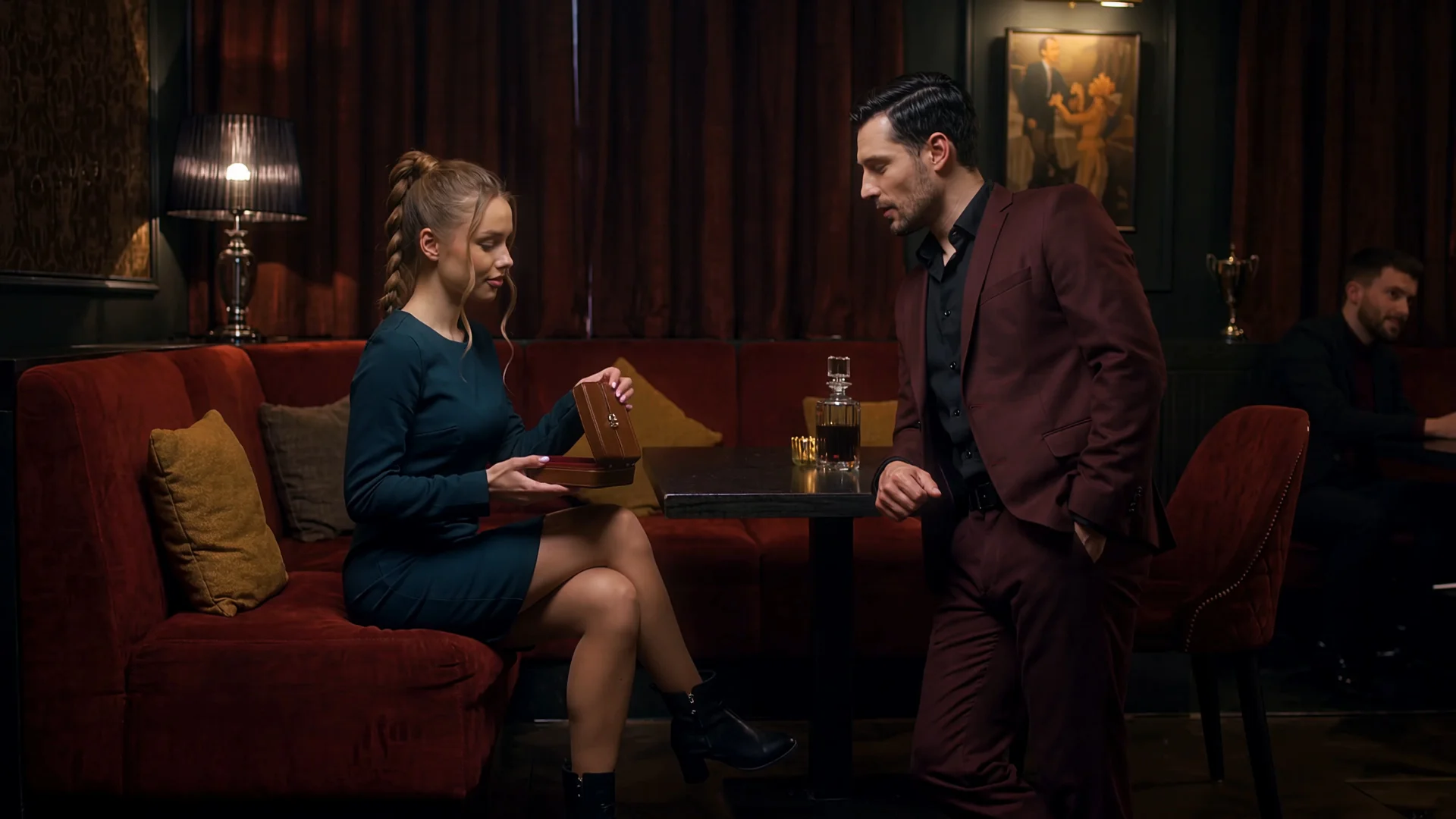
Continue What Happens Next
Preserve the source ending and generate the next action, reaction or interaction. Use this direction when the current video already provides the beginning and you want to continue the video with Wan.
Use the Wan video extender to expand an existing NSFW scene in the direction you choose. Continue what happens after the ending, create the missing beginning or develop both sides of the original clip.
Upload a complete video or start from its final frame. Describe the new action, character interaction, camera behavior and destination, then use Wan 3.0 video extension to build beyond the current scene.
Best for: Forward extension · Previous-scene creation · Target ending control · Audio-visual continuation
Only have an image? Create the opening video first, then return to continue it with Wan.
Most video continuation begins after the final frame. Wan gives the same source scene more than one possible boundary.
Preserve the source ending and generate the next action, reaction or interaction. Use this direction when the current video already provides the beginning and you want to continue the video with Wan.
Create the missing moment that leads naturally into the existing opening. Use this direction when the source clip begins in the middle of an encounter, performance or roleplay scene and needs an earlier setup.
Develop a new beginning and a new ending around the same source clip. The original video becomes the center of a larger NSFW sequence rather than the only finished scene.
The source stays familiar. You decide which side of it grows.
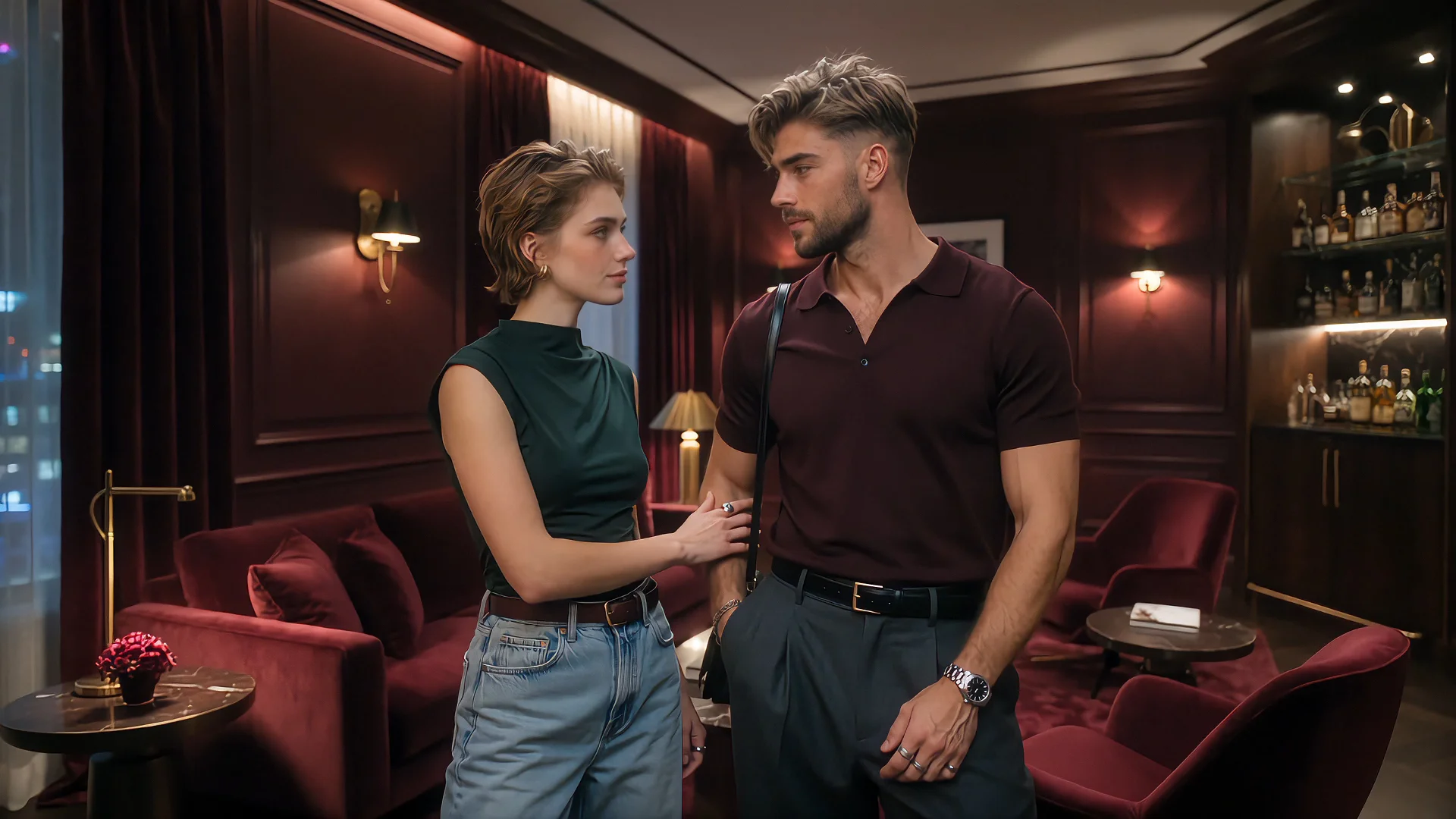 R03
R03A continuation prompt can describe what should happen next. A target frame can also show Wan where the new scene should arrive.
Use an optional ending image to guide the final pose, composition, character position or camera view. Wan develops the movement between the source ending and the visual destination instead of leaving the final moment completely open.
Use target-frame control to:
Direct the next action and the moment it should reach.
A convincing Wan video continuation depends on more than the picture. The new scene should also feel connected through dialogue, ambient sound, music and the rhythm of the interaction.
Use Wan to continue the audio-visual atmosphere already established by the source clip or introduce new sound that belongs to the next scene.
A quiet private encounter can remain intimate. A performance can carry its music into the next movement. A mature short drama can preserve dialogue and room ambience while the scene changes direction.
Let the scene continue without making the sound feel newly attached.
The same clip does not have to produce the same continuation every time. Change the direction, target ending or sound and explore different versions from one source.
Whether you want to extend an existing video with AI, continue a video from its last frame or build a scene around an existing clip, Wan lets the source become the center of more than one result.
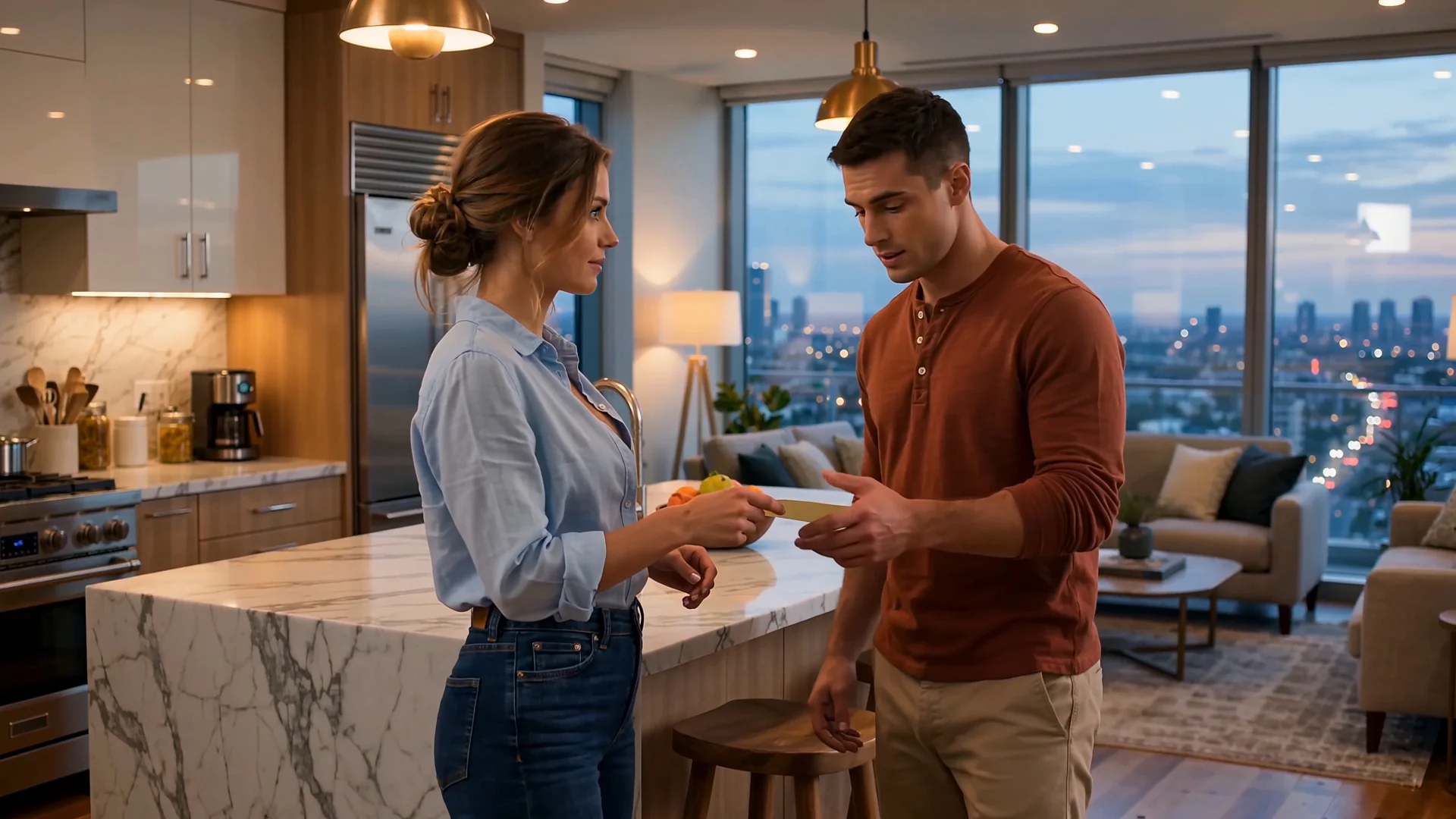 R07
R07Move an established couple or multi-character scene into its next natural moment.
Show what happened before the existing clip and give the interaction more context.
Take the same source toward a different response, arrival, interruption or reveal.
Use the source ending and a target frame to create the movement between two selected scenes.
Add a previous beat, next scene or alternative turn without rebuilding the entire story.
Preserve a recognizable visual world while expanding the scene beyond its current boundary.
Upload an existing video or final frame. Choose where the scene should grow, describe the new development and generate a continuation around the moment you already have.
Extend Video With WanYes. Wan 3.0 video extend can use an existing video as the reference and generate new content around it. The prompt describes the action, camera behavior and scene development for the added portion.
Wan 3.0 supports creating content after the source clip, before it or on both sides. Choose the direction based on whether you need the next scene, a missing beginning or a longer sequence around the original video.
Yes. A final frame can act as the starting image for a new generation. Use a complete video when motion, timing and sound from the source should influence the continuation. Use the final frame when the selected visual moment matters most.
Yes. Add a target ending frame when you want the continuation to reach a particular composition, character position or visual moment. The prompt should describe how the scene moves toward that destination.
Wan 3.0 supports audio-video generation and audio references. It can preserve the atmosphere of the source while creating dialogue, sound effects, ambience or music for the extended portion.
Both belong to the Wan 3.0 model family and support the same main creation routes. Wan 3.0 Prime prioritizes faster generation when that option is available in the generator.
Yes. Review the new result, use it as the next source and describe what should happen before or after its current boundary. Available length and generation options appear inside the generator.